Check usage rights per environment
Assign Diagnostics and Tuning Pack to the edition, operating model and your contract documents.
FREE WHITEPAPER · BBI SOFTWARE AG
Oracle Diagnostics and Tuning Packs help analyze and optimize databases. The guide will guide you through usage rights, settings and checking possible usage.
4 pages · Email confirmation required · No automatic newsletter subscription
FOR YOUR NEXT STEPS
For those responsible for IT, purchasing and software licenses.
Assign Diagnostics and Tuning Pack to the edition, operating model and your contract documents.
Check the packaging settings and document which tools are approved in the company.
Compare any anomalies with dates, changes and the laws applicable at the time.
A FIRST INSIGHT
In the inventory, separate three questions. A setting alone does not answer the question of existing rights or previous use.
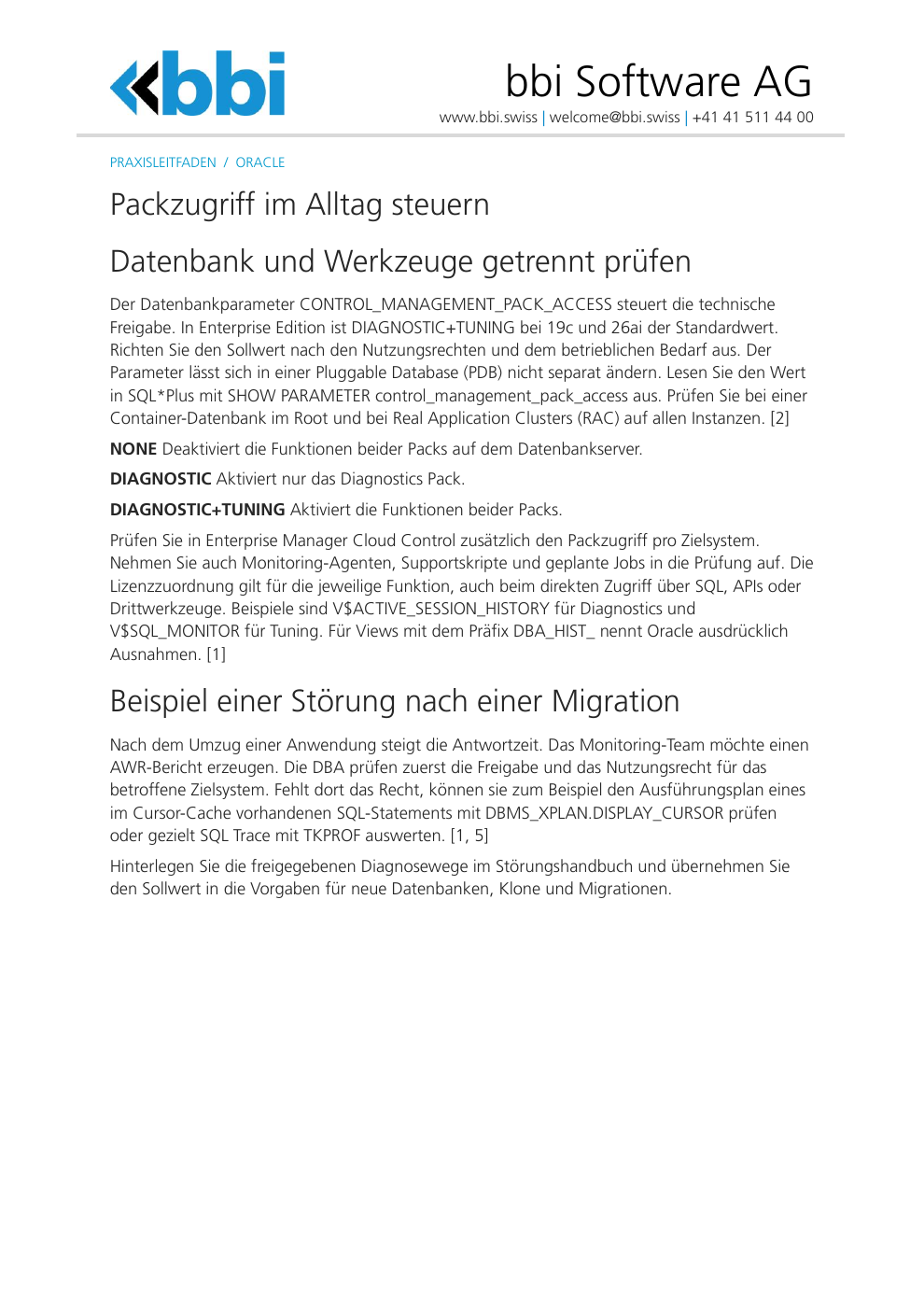
The preview contains a selected content page. You will receive the complete PDF with 4 pages after free registration.
QUESTIONS FROM PRACTICE
The white paper assigns diagnostics to root cause analysis, such as AWR, ASH and ADDM. Tuning supports the review and optimization of SQL queries and requires diagnostics. Whether the functions can be used must be checked for the edition, operating model and contract of the specific database.
The CONTROL_MANAGEMENT_PACK_ACCESS parameter controls the technical release. It does not replace proof of license. Place the edition, operating model, contract documents and setting next to each other and document the approved target value. Additionally, check access via Enterprise Manager, monitoring, scripts and scheduled jobs.
The view provides usage indicators from samples. Classify the hit based on measurement time, database version, changes and fault tickets. A single hit does not quantify the need for a license; a blank result does not exclude previous use. The rights in force at the time also need to be examined.
Start with a business-critical database and capture edition, version, operating model and packaging preference. Assign the associated rights and check suspicious usage over time. Then document the target value, permitted diagnostic tools and responsibility; include test systems, clones and restart environments.
4 PAGES FOR YOUR PRACTICE
Get the documentation for your next steps.
4 pages · Email confirmation required · No automatic newsletter subscription
FROM READING TO APPLYING
Plan Oracle Database EE and SE2 for free: calculate processor licenses, NUP minimum quantities, core factors and OCI BYOL in a comprehensible manner.
Get to know the tool →FREE TOOLPrepare software audits for free: 18 current bbi tasks, edit your own tasks, appointments and notes and document the status as a PDF.
Get to know the tool →FREE TOOLResearch manufacturer terms and conditions, EULAs and archived versions. Free with sources, access date and available downloads.
Get to know the tool →An Oracle ULA can create scope for migrations and parallel operation. Check the scope of the contract, costs and the requirements after the conversion - and plan the certification before completion.
Get to know the white paper →The checklist for IT, purchasing and license managers. First, clarify the scope and deadlines. Then organize data collection and comparison with your license rights.
Get to know the white paper →