Understand the license gap
Compare manufacturer findings with your documented rights and actual usage.
FREE WHITEPAPER · BBI SOFTWARE AG
A manufacturer reports underlicensing and quantifies a claim. First check the calculated license gap. Then clarify what the individual cost items are based on.
4 pages · Email confirmation required · No automatic newsletter subscription
FOR YOUR NEXT STEPS
For IT managers, purchasing and management who need to evaluate audit findings.
Compare manufacturer findings with your documented rights and actual usage.
Have quantities, prices, time periods and the basis for each claim item explained to you.
Separate open calculation questions from contractual questions and record the need for clarification.
A FIRST INSIGHT
Before you assess a claim, have the findings and each cost item broken down in a comprehensible manner.
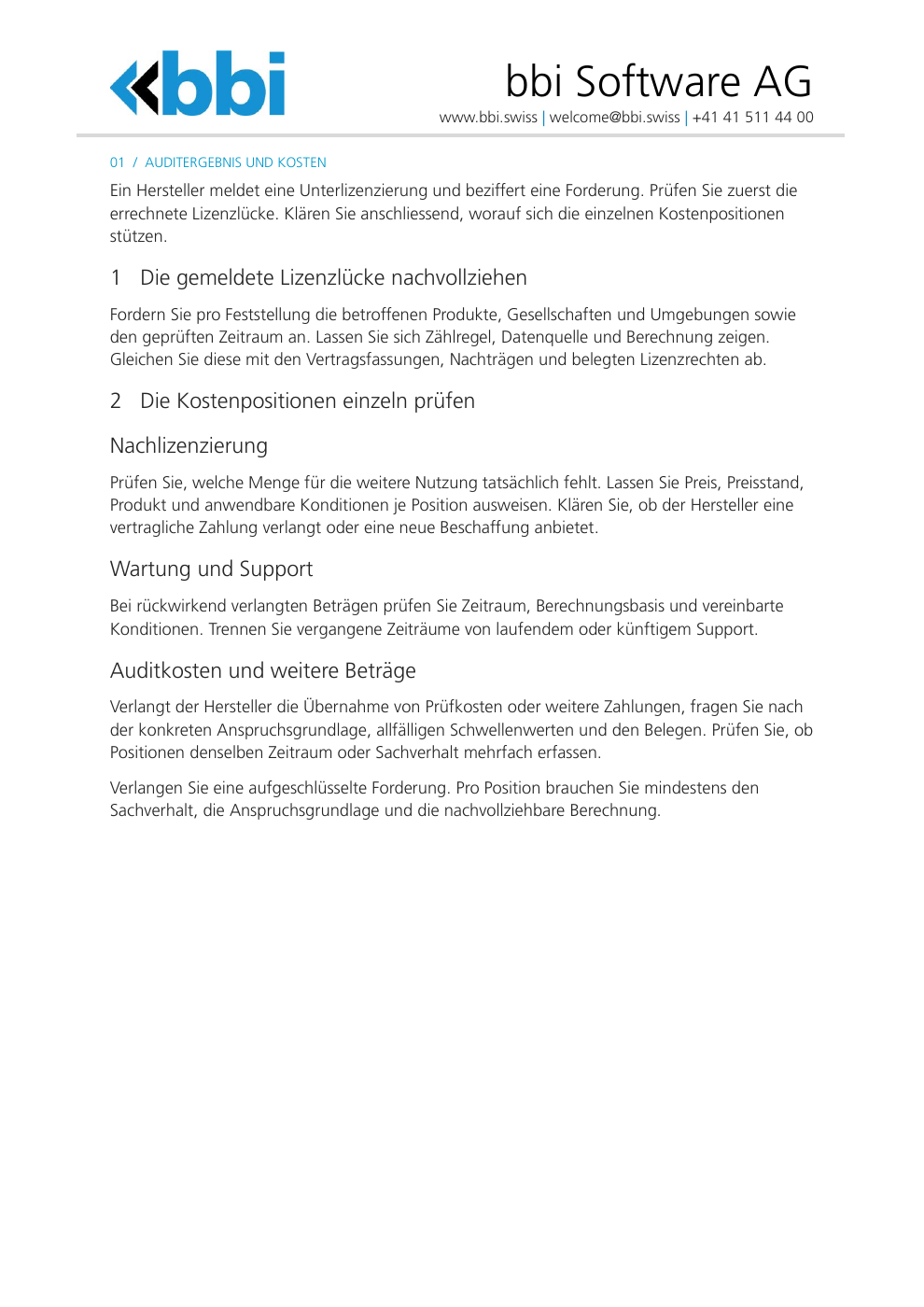
The preview contains a selected content page. You will receive the complete PDF with 4 pages after free registration.
QUESTIONS FROM PRACTICE
Request the affected products, companies, environments and time period audited. This includes data source, counting rule and calculation method. Compare this information with the contract versions, addenda and documented license rights before discussing the price of a replacement.
The positions can have different amounts, time periods and bases. Have the product, price level, calculation basis and justification shown for each item. Separate past periods from future requirements and check whether multiple items record the same issue or period twice.
The example in the white paper shows why this would be premature: With 120 reported accounts and 100 rights occupied, 20 inactive accounts do not automatically resolve the difference. What is crucial is the agreed metric and the allocation on the relevant deadline. Therefore, check the contract and assignment history together.
Record which products, companies, time periods and claims the agreement covers. Clarify which usage rights apply from when and which obligations continue. Confirmed quantities, open assumptions and release for future needs should be documented internally in a comprehensible manner.
4 PAGES FOR YOUR PRACTICE
Get the documentation for your next steps.
4 pages · Email confirmation required · No automatic newsletter subscription
FROM READING TO APPLYING
Prepare software audits for free: 18 current bbi tasks, edit your own tasks, appointments and notes and document the status as a PDF.
Get to know the tool →UP TO 26 POSITIONS FREEManage software licenses and contracts centrally. Up to 26 license positions free of charge, with company areas, account storage and Excel export.
Get to know the tool →FREE TOOLPlan your IT budget for free: record quantities, prices and running times, identify monthly costs and include a reserve. With PDF and Excel output.
Get to know the tool →The checklist for IT, purchasing and license managers. First, clarify the scope and deadlines. Then organize data collection and comparison with your license rights.
Get to know the white paper →Which rights remain, which conditions change and what does it cost to operate over the next term? Prepare the next extension together with IT and purchasing.
Get to know the white paper →