Compare the offer with your needs
Match package scope and core numbers to the functions and servers your business actually needs.
FREE WHITEPAPER · BBI SOFTWARE AG
Stay with VMware, adapt the environment or switch gradually? The guide helps you consider the license model, package scope, infrastructure and operating costs together.
4 pages · Email confirmation required · No automatic newsletter subscription
FOR YOUR NEXT STEPS
For those responsible for IT, purchasing and software licenses.
Match package scope and core numbers to the functions and servers your business actually needs.
Check retention, targeted use and gradual change based on the same requirements.
Include migration, training, data backup and temporary parallel operation in the comparison.
A FIRST INSIGHT
The guide recommends considering the options over the same time period and with the same availability and support requirements. A cheaper license offer alone does not decide the comparison.
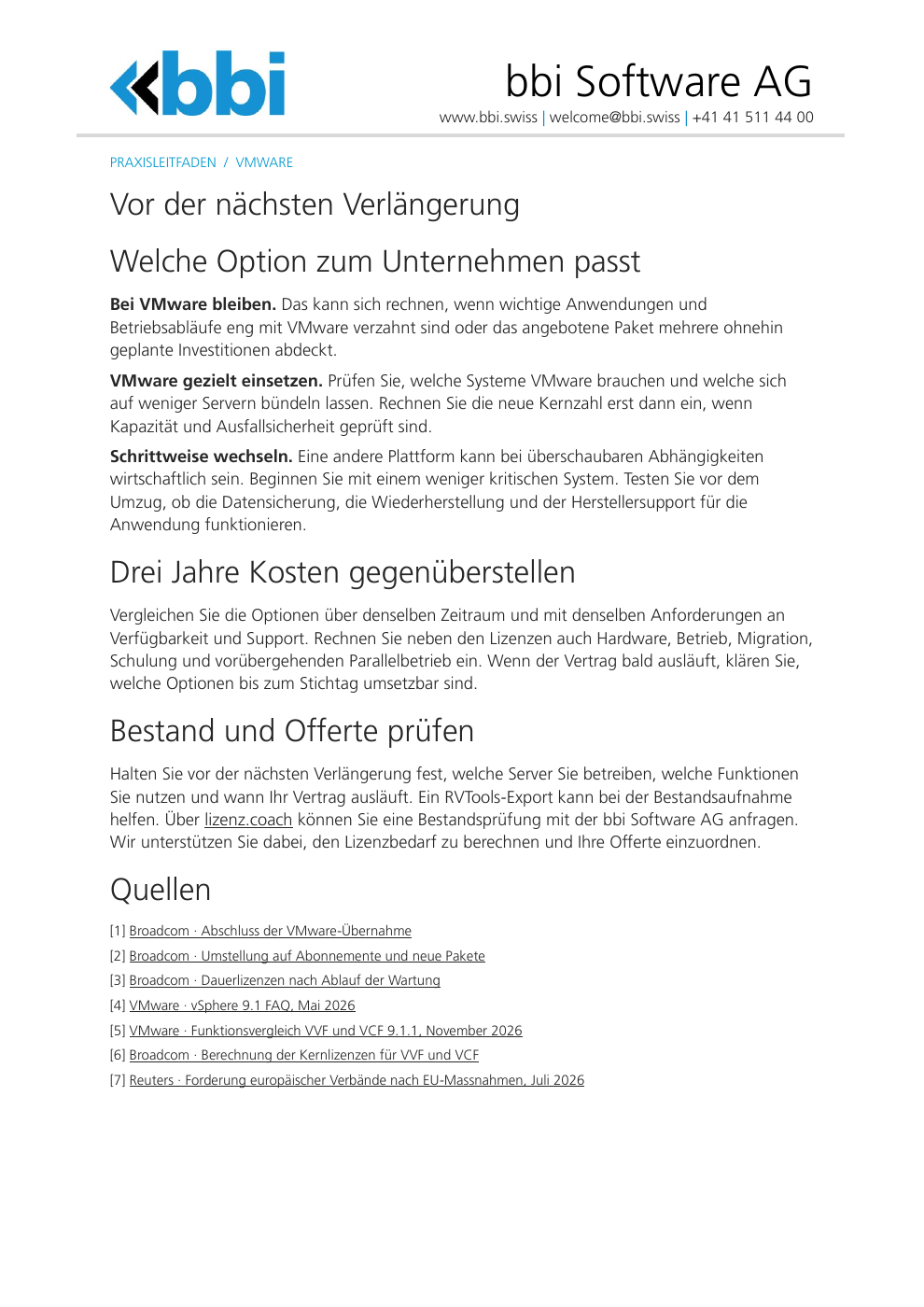
The preview contains a selected content page. You will receive the complete PDF with 4 pages after free registration.
QUESTIONS FROM PRACTICE
The services offered may differ in terms of duration of use, package scope and method of counting. Therefore, compare previous rights and new article positions. Complete required features, physical core counts, runtime, and support requirements before evaluating pricing.
The example uses three servers, each with two processors and twelve physical cores per processor. With the minimum amount of 16 cores per processor described in the white paper, six times 16, i.e. 96 cores, are used. The actual 72 cores alone do not represent this minimum rule; check the rule for your specific offer.
The guide looks at whereabouts, targeted use on an adapted infrastructure and a gradual platform change. Compare all options over the same time period and with the same availability and support requirements. In addition to licenses, this includes hardware, operation, migration, training and parallel operation.
Start with a less critical system and check backup, restore, and application vendor support. Also clarify operational dependencies and the schedule until the end of the contract. A cheaper platform is only a viable alternative once the required operation has been proven.
4 PAGES FOR YOUR PRACTICE
Get the documentation for your next steps.
4 pages · Email confirmation required · No automatic newsletter subscription
FROM READING TO APPLYING
Evaluate RVTools or Excel files for free: Overview hosts, VMs and known physical cores, identify data gaps and use results as PDF.
Get to know the tool →FREE TOOLCompare two software offers for free: bring prices, quantities, terms and currencies onto a common basis and document them as a PDF.
Get to know the tool →FREE TOOLPlan your IT budget for free: record quantities, prices and running times, identify monthly costs and include a reserve. With PDF and Excel output.
Get to know the tool →Which rights remain, which conditions change and what does it cost to operate over the next term? Prepare the next extension together with IT and purchasing.
Get to know the white paper →Which hosts and virtual machines are included in your SUSE subscription balance? The guide explains low density, high density, cluster boundaries and the special testing of SAP environments.
Get to know the white paper →